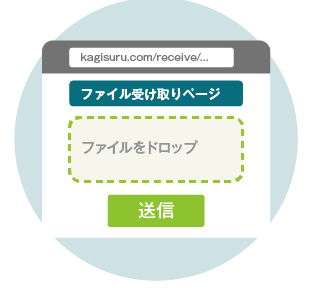
If you received a file, you can unlock it here


この製品は(公財)東京都中小企業振興公社 中小企業ニューマーケット開拓支援事業の支援対象製品です。但し、公社は製品の効能効果を保証するものではありません。
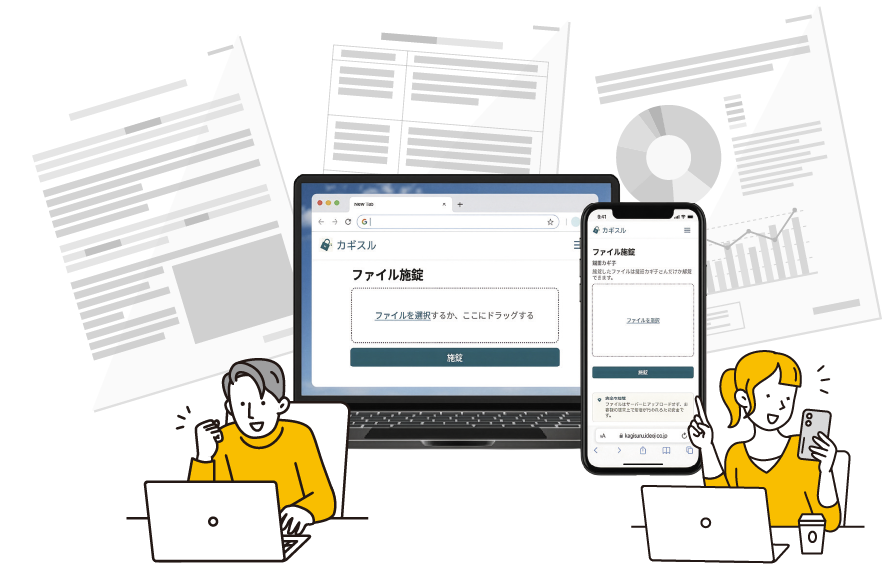
No app to install. Works in your web browser.
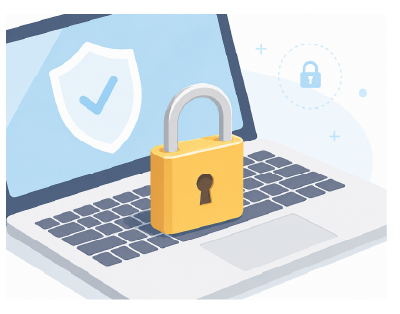
A password you must send separately. A link anyone can open.
Kagisuru removes the hassle and risk of file sharing. Neither a password nor a share link is created, so you can share files securely without changing your usual workflow. No complex permission settings or operations required.

Files are encrypted on your own PC. Unencrypted files are never stored on our servers.
Encrypted on your PC before it is sent, so you can send it any way you like. Email, Slack, Teams, USB drives, isolated networks — and even if a file leaks, the contents stay protected. No need to change your existing workflow or your partners' environments.
Much easier and safer than managing passwords. Unlocking requires a one-time passcode (6-digit number) for authentication.
For receivers already using Kagisuru, additional passkey authentication ensures secure identity verification.
Revoking what you sent, sending large files, open tracking, and receiving files securely. Kagisuru solves your file exchange headaches in one place.
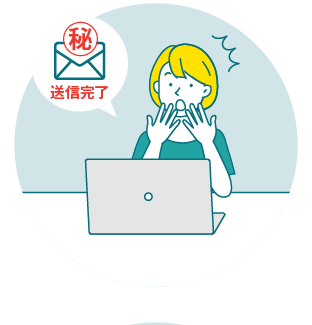
I want to revoke a file I sent by mistake
You can revoke access even after sending, preventing the receiver from opening the file.
POINT:Even after the attachment reaches the receiver, you can revoke it before it is opened!
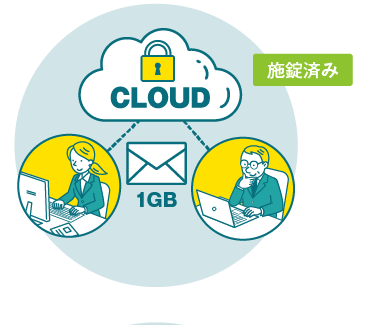
I want to send files too large to attach
Send large files via email. Kagisuru's cloud only stores encrypted files, so your data stays safe.
POINT:You can send files larger than 1 GB!
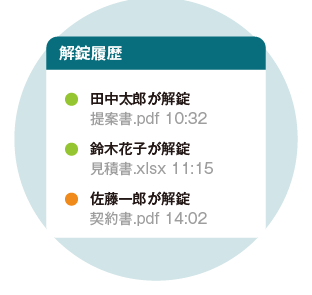
I want to know if the receiver opened the file
Track when and who unlocked each file. Useful for confirming delivery and managing important documents.
POINT:You can also track who in your group has opened a file!
I want to stop receiving password-protected ZIPs
Create a dedicated page for receiving files securely from external parties. Files are sent in an encrypted state.
POINT:Just share the receiving page URL to eliminate password-protected ZIPs with your partners!
Click an icon to see the details. Your receiver does not need a Kagisuru account in advance.
When you hit "Encrypt and send", a digital key that works only for the email address you entered is issued. Your file is encrypted with that key and then uploaded. You can upload up to 2GB.
On the Team Plan, your storage grows to 10GB and can be expanded as needed.
No account setup needed. Get started now with just your email.