Outlook add-in
Lock files directly from your Outlook compose window for To, Cc, and Bcc receivers, and attach them automatically.
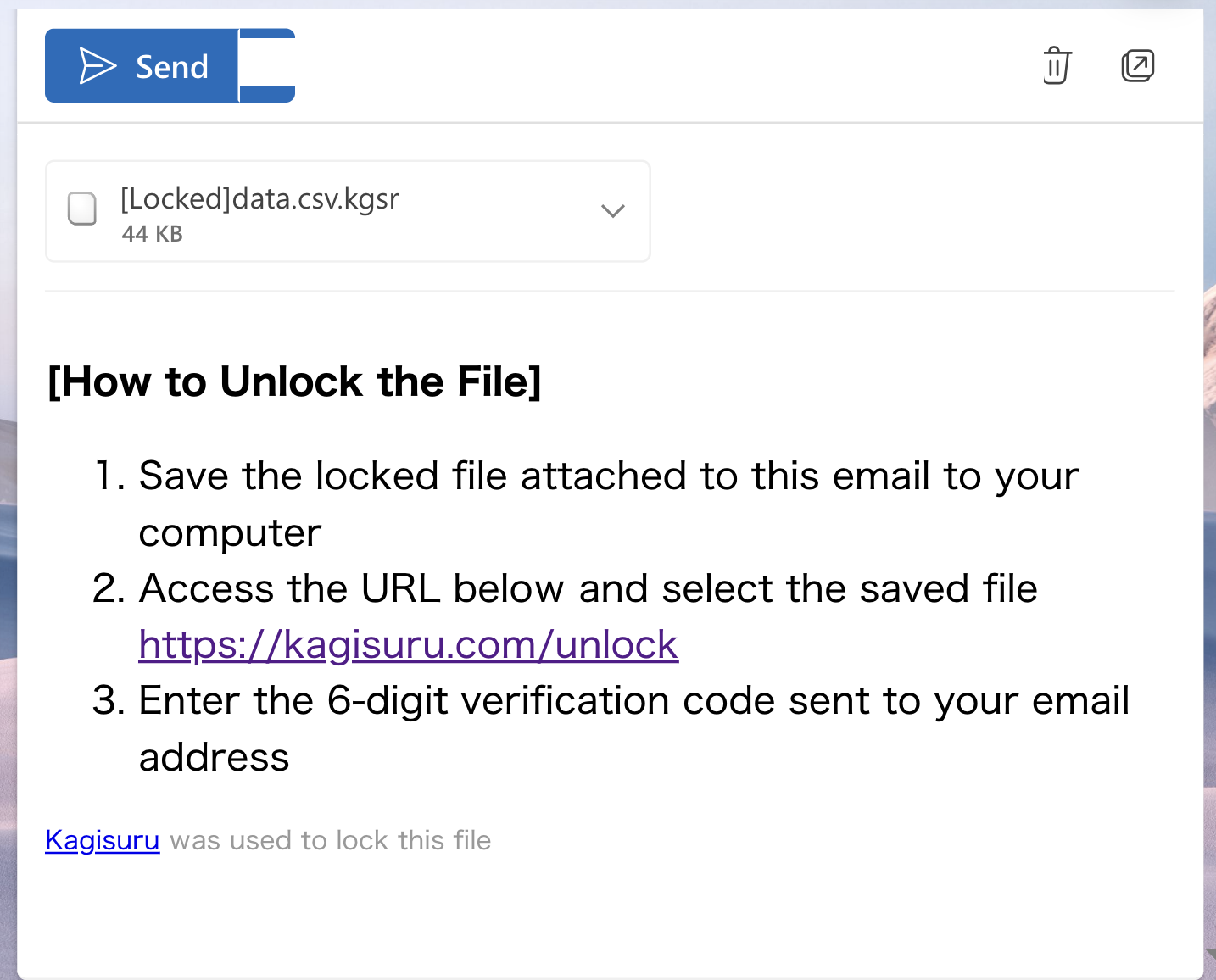
Creates files openable only by To, Cc, and Bcc receivers. Even if someone else obtains the file, they cannot open it.
The "Attach to email" button adds locked files to your draft instantly. No need to open a browser.
Receivers open files via email authentication only. No passwords to create or send separately.
This add-in works only with Outlook (Microsoft) accounts. It cannot be used with email addresses set up via IMAP or POP.
Deploy organization-wide by an administrator, or add individually from Microsoft AppSource (Marketplace).
Individual users can manually add the add-in from Outlook using an XML manifest file.
Download XML fileAvailable with the Team Plan. Contact us for installation details and pricing.
